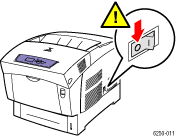
Turn off the printer.
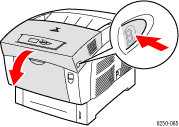
Press the latch on the
right side of the printer to open Front Door B.
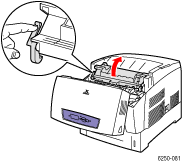
Press the latch at the
left of Top Door C towards the back of the printer to open Front Door
C.
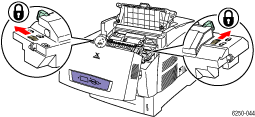
If the fuser is present,
reseat it. Verify that the slide switches at both ends of the fuser are
pushed all the way to the back (locked) position.
Warning: The fuser is hot. To prevent burns, do not touch the
black part of the fuser.
If the fuser is not present, install the fuser.
Close and latch Top Door
C.
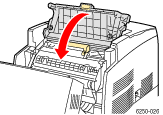
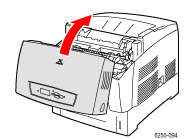
Close Front Door B.
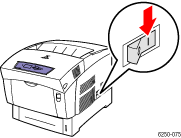
Turn on the printer.
If the problem persists,
install a new fuser. See the installation instructions shipped with the
new fuser. To order a fuser, visit the Phaser